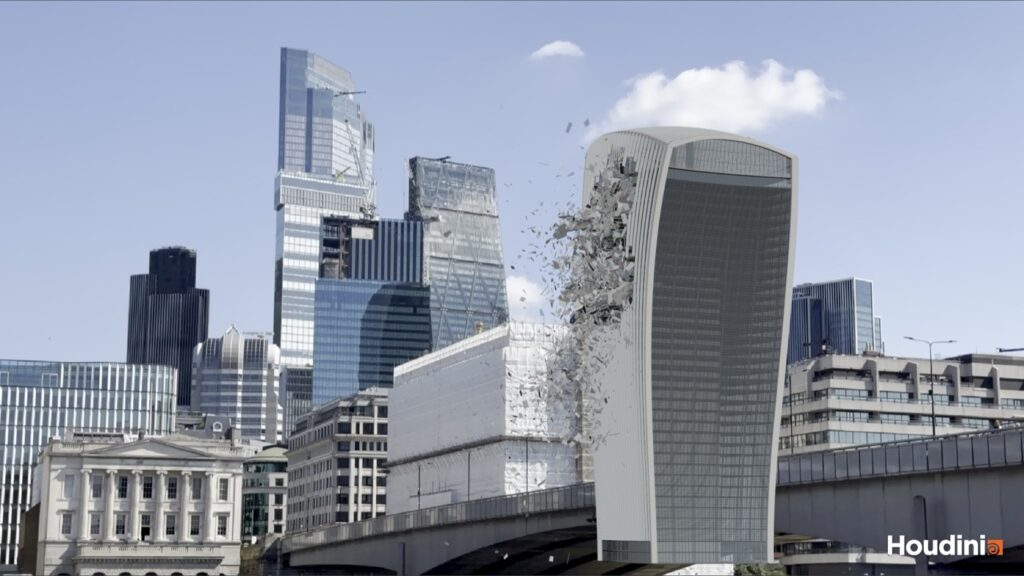
Incoming! Two Asteroids vs the Walkie-Talkie
In my last post I built the Walkie-Talkie in Houdini so I could knock it down, and today was the knocking down part (well, the first go at it). The brief was two asteroid strikes coming in from the left of frame, one landing just above where the buildings in front stop hiding the tower and the other just under the crown. It had to be art directable, so I can move the hits around and change how things break without starting over, and the end goal is a fracture tool I can reuse on anything, which will eventually become an HDA. By the end of the day the fracture was done and the rigid body sim was cached to disk, so it’s flipbook time!
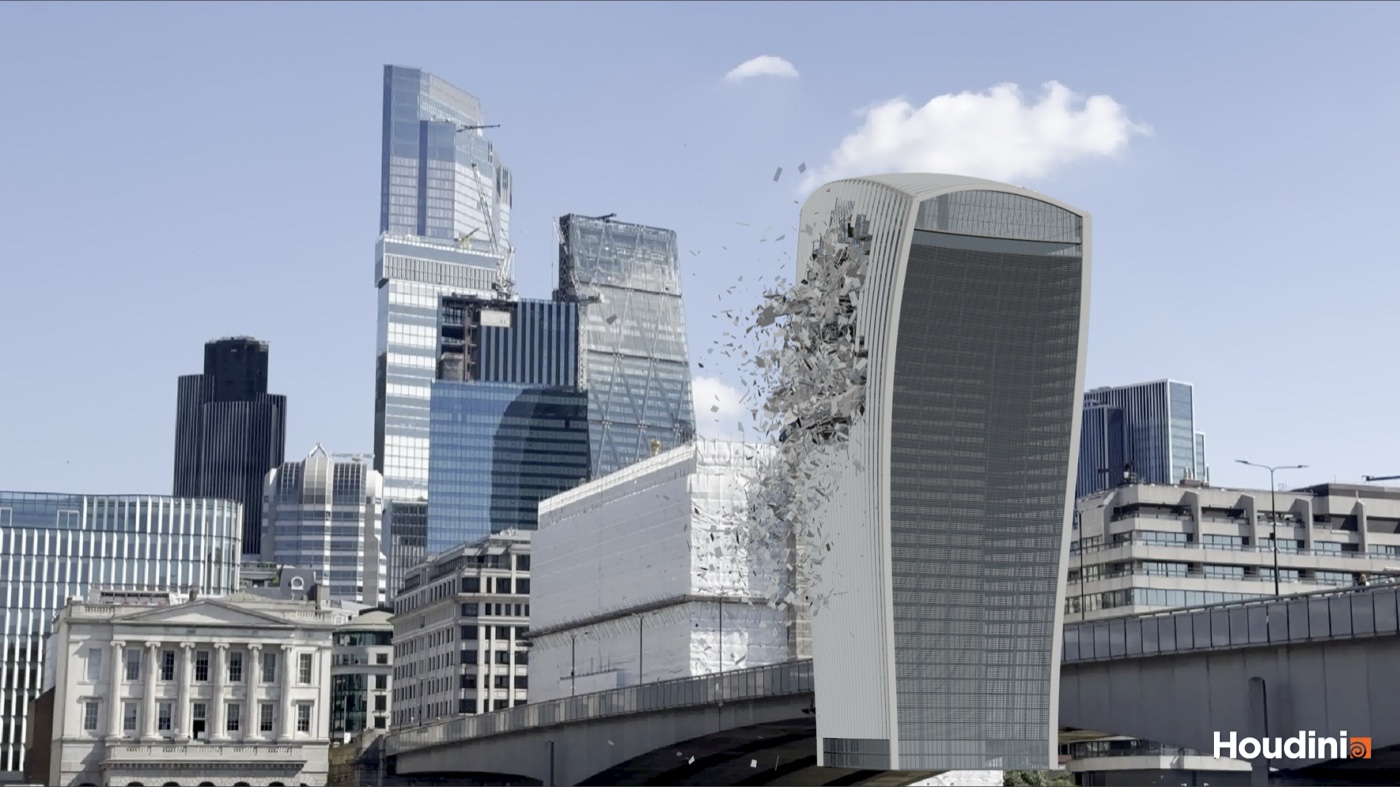
This is a viewport flipbook through the plate camera, frames 20 to 120, so it’s grey chunks with no dust, fire or smoke yet (that’s all still to come). The upper asteroid hits on frame 36 and the lower one on frame 48, so keep an eye on the left side of the tower.
Picking where to hit it
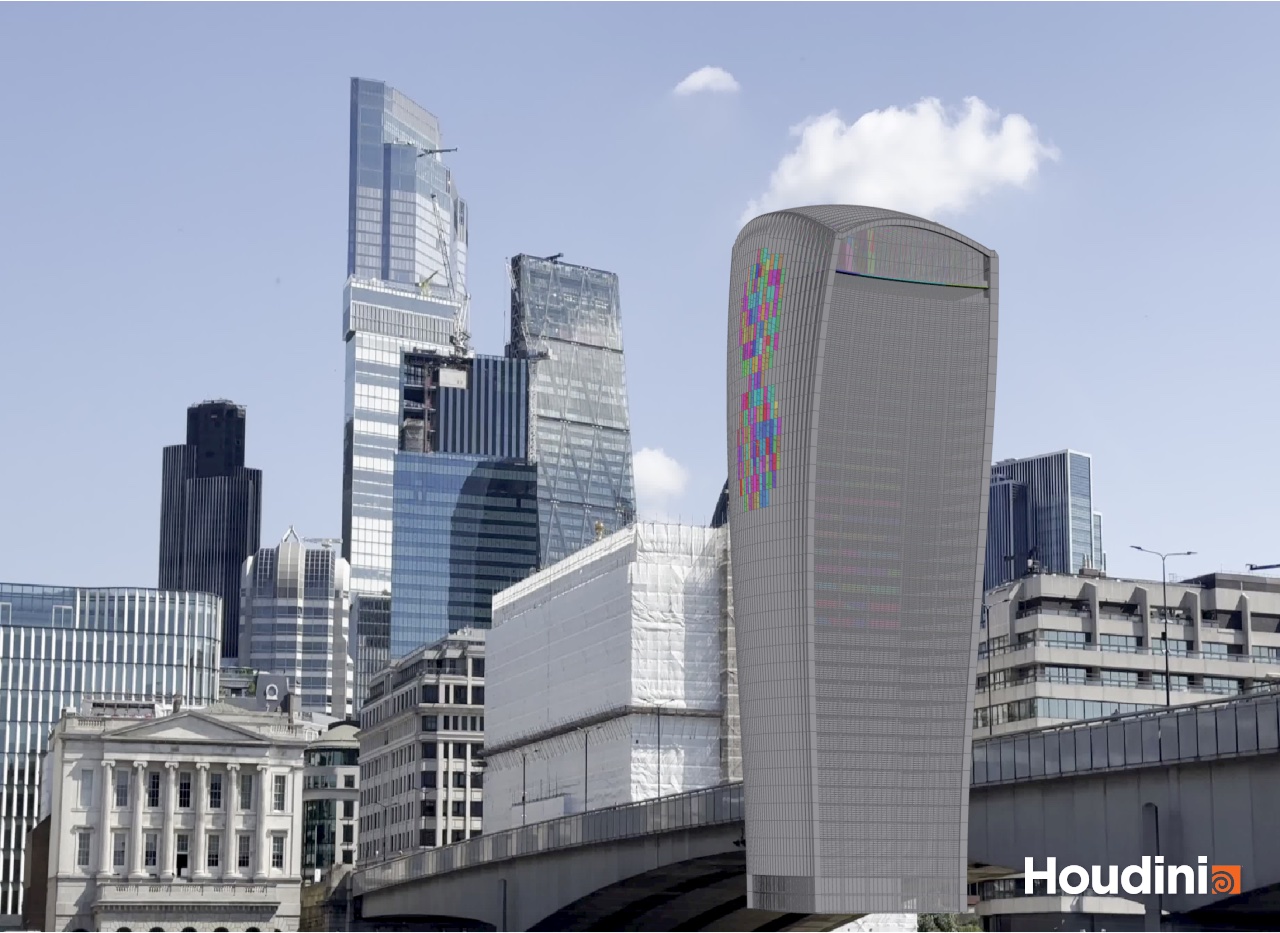
Before placing anything, Claude measured the building through the plate camera, projecting each floor into the frame. Good thing too, because the scaffolded building in the foreground hides the tower right up to about level 23, and the first guess for the lower strike was level 13, which would have been completely hidden behind it. Not much of a shot! So the lower hit (A) went to level 26, just clear of the scaffolding, and the upper one (B) to level 34, just under the crown glass. Both sit inside the hero floors I set up last time (16 to 36), the ones with interiors, so there’s something behind the glass when it goes.
Each impact is just a null I can drag around, pointed along the asteroid’s path (in from screen left and a little bit downward) with a Damage Radius on it, 11 m for now. Everything downstream keys off those two nulls, so if I move one the detail moves with it.
My old plane trick, rebuilt
In my old workflow I’d place planes through the geometry, put noise on them and use them as the cutting surfaces, and use the built-in tools for the glass. So that’s what Claude rebuilt first, as a tool called plane_fracture on top of Houdini’s Boolean Fracture SOP, which cuts geometry with any surface you give it. It’s a subnet for now, and turning it into an HDA is deliberately the last step, once it stops changing.
It takes the geometry, optional impact points and optional hand-made cutters, so placing planes by hand the old way still works. The cutters come in two flavours. In shared mode a set number get scattered over the geometry or inside the impact zones, and a share of them pass right through the impact point along the asteroid’s path, so the cracks fan out from the hit. In per-piece mode every piece gets its own cutters sized to it, either at random, across the thinnest axis (so slabs and walls get cut through rather than sliced into layers) or across the longest axis (so bars snap into segments). There’s a target piece size as well, so big pieces keep getting extra cuts until they’re roughly that size.
Each cutter gets two layers of noise, which is what I asked for: a large noise for the overall shape of the break and a small fractal noise for the surface detail, and each cutter scales both by its own random amount, so some cuts come out smooth and some ragged. Around each impact there’s a lumpy sphere that’s both a cutter and a clip for the planes, so a 50 m floor plate only breaks inside the damage zone instead of getting cut right across. And like my old HDA, any piece under a minimum size gets merged into the nearest big enough piece from the same original, or deleted.
Every material its own way
The old way was to bring in each element group, fracture each one separately, merge them, rebuild the constraints and export it all packed. So that’s the structure here too, one branch per material, each with a switch for the whole group or just inside the impact zones.
Concrete (the slabs, columns and core) goes in two passes, again the way I used to do it. First a big chunks pass on every floor from level 16 up, cutting each piece down to roughly 7 m, then a detail pass at each impact on top of those chunks, with 60 cutters, some radial and some scattered.


The glass uses Houdini’s own RBD Material Fracture in glass mode, pane by pane, inside the zones. Its edge noise had to go though, as it turned 193 panes into 1.2 million polygons! The metal (mullions and fins) goes through the plane tool, cut across each bar so it snaps into 2 to 4 segments, and then gets bent the way I used to do it with noise. There’s a dent, a broad push in the direction the asteroid is travelling plus a fine crumple, that fades the further a piece is from the impact, and a fold, where each bar hinges at a random point and one end swings round as either a sharp kink or a gentle curve. A quarter of them stay straight so it isn’t all spaghetti. The bend isn’t actually applied though, it’s stored. The building has to be intact until the asteroid arrives, so the bent shape is kept on each piece and blended in during the sim as it breaks loose.


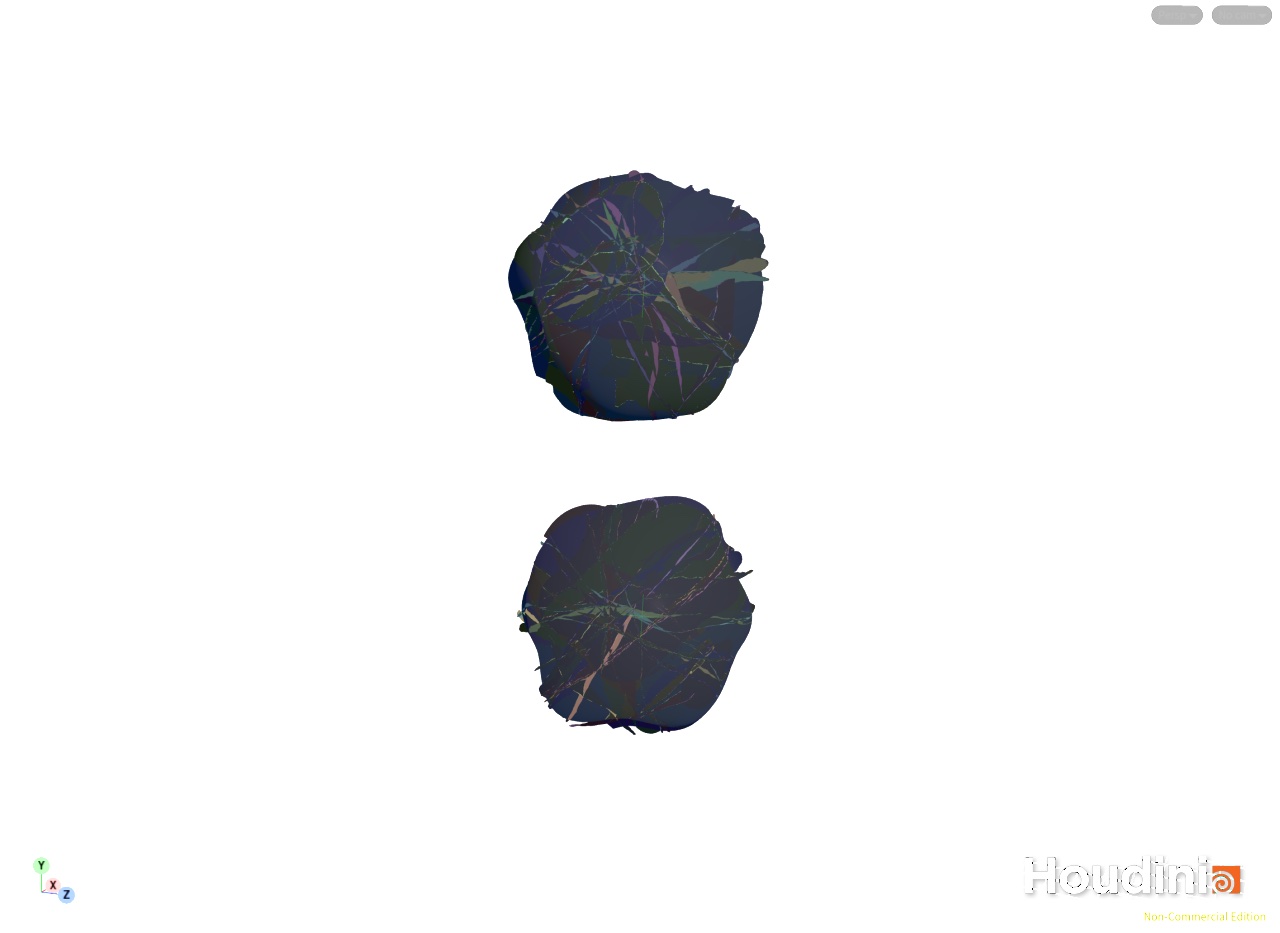
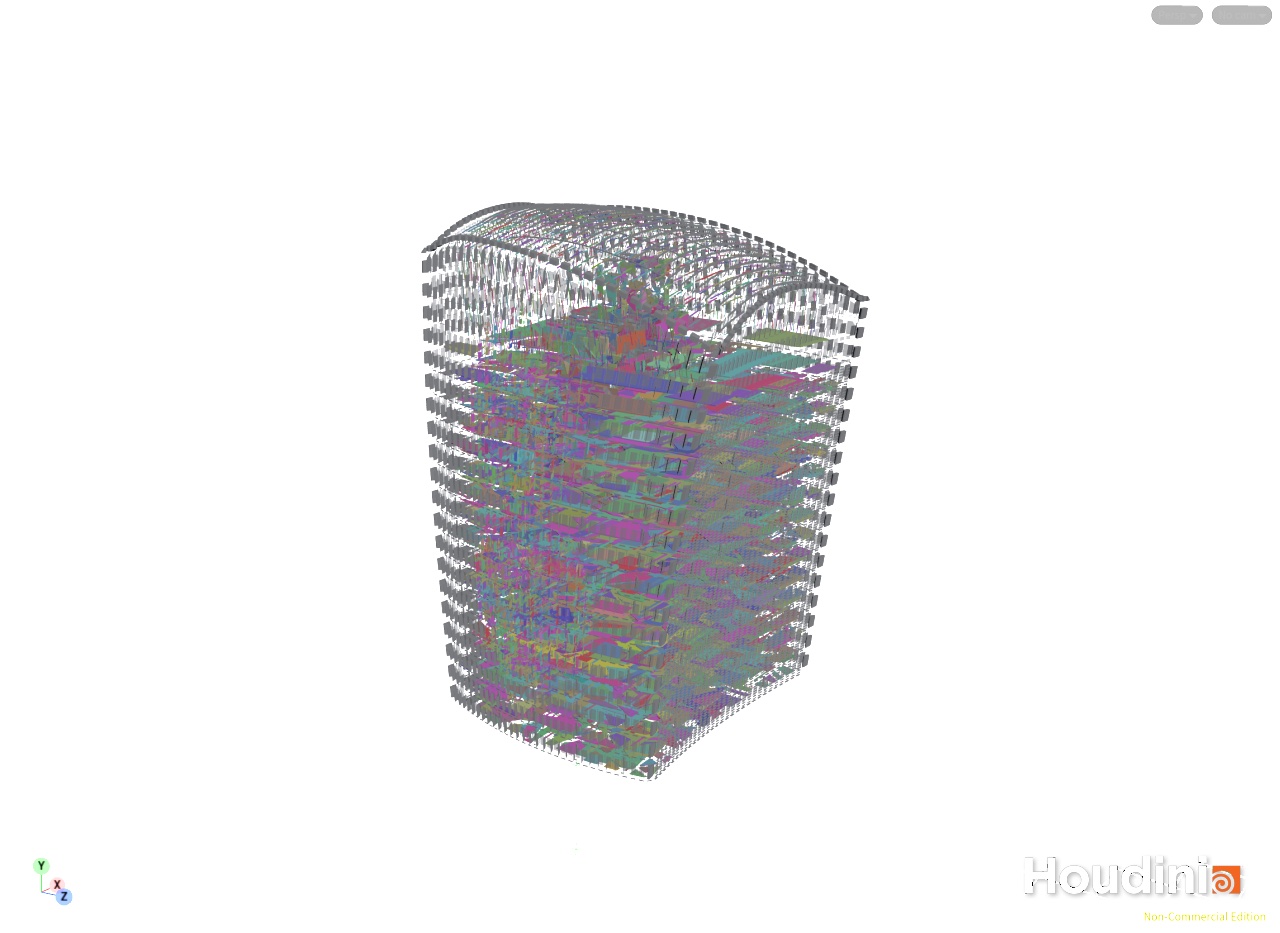
Every cut piece is tagged as fractured and its name keeps its history, like archchord_L35_B200-chunk1-frag0, so you can tell it was chunked and then cut again. The merged result is the whole building, with the floors that weren’t touched passing straight through. (These exploded views were taken before the last piece size pass further down, so they’re a bit chunkier than the final.)
Spot the pattern
Destruction gives itself away when it repeats, so I asked Claude to go looking for anything that didn’t have the randomness you’d expect from, well, wanton destruction. The big one was Houdini’s built-in metal fracture, which used one seed for everything, so twelve identical fins all snapped into the same three pieces in the same spots. That’s why the metal goes through our own tool now, seeded per piece, and the same twelve fins give 2 to 4 segments each, all different. The glass was already fine (twelve identical panes gave 20 to 35 shards each, all different), and the concrete got more variation in the number of cutters, the cut angles and the noise strength. The other big one was the glue, more on that in a sec.
The 40 minute lock-up
The first time the whole building cooked with every branch hooked up, Houdini locked up for about 40 minutes. Not ideal! The culprit was the small piece cleanup, which was measuring the volume of all 359,000 polygons at once. The fix was moving the cleanup inside the per-piece loop so it only ever sees one piece’s fragments, making that a compiled, multithreaded for-each loop, and dropping any cutter whose bounding box misses the piece before doing any real work. The big chunks pass went from about 13 minutes to 7.6 seconds, the impact detail from 60 seconds to 21, and the whole building from 40 minutes to somewhere between 20 and 35 seconds. Much better!
Glue that lets go like a real building
If every bond is the same strength, a building lets go all at once, and that’s one of the classic tells. So the pieces that weren’t cut keep their original glue from the building file, and everything that was cut (plus its intact neighbours) gets new contact glue, with every touching pair getting at least one bond so no piece is left loose. The strength depends on what it’s joining, from 100,000 for concrete to concrete, through 50,000 for concrete to metal and 30,000 for concrete to glass, down to 10,000 for glass to glass. On top of that fresh cracks (fragments cut from the same original piece) are at half strength, every bond varies by up to 50% either way, 10% are hidden flaws at 0.15× so the failure starts in scattered spots, and it all gets weaker towards the impacts, down to 0.1× at the centre. The median bond within 8 m of an impact ends up around 2,600, against about 24,800 for the rest of the building.
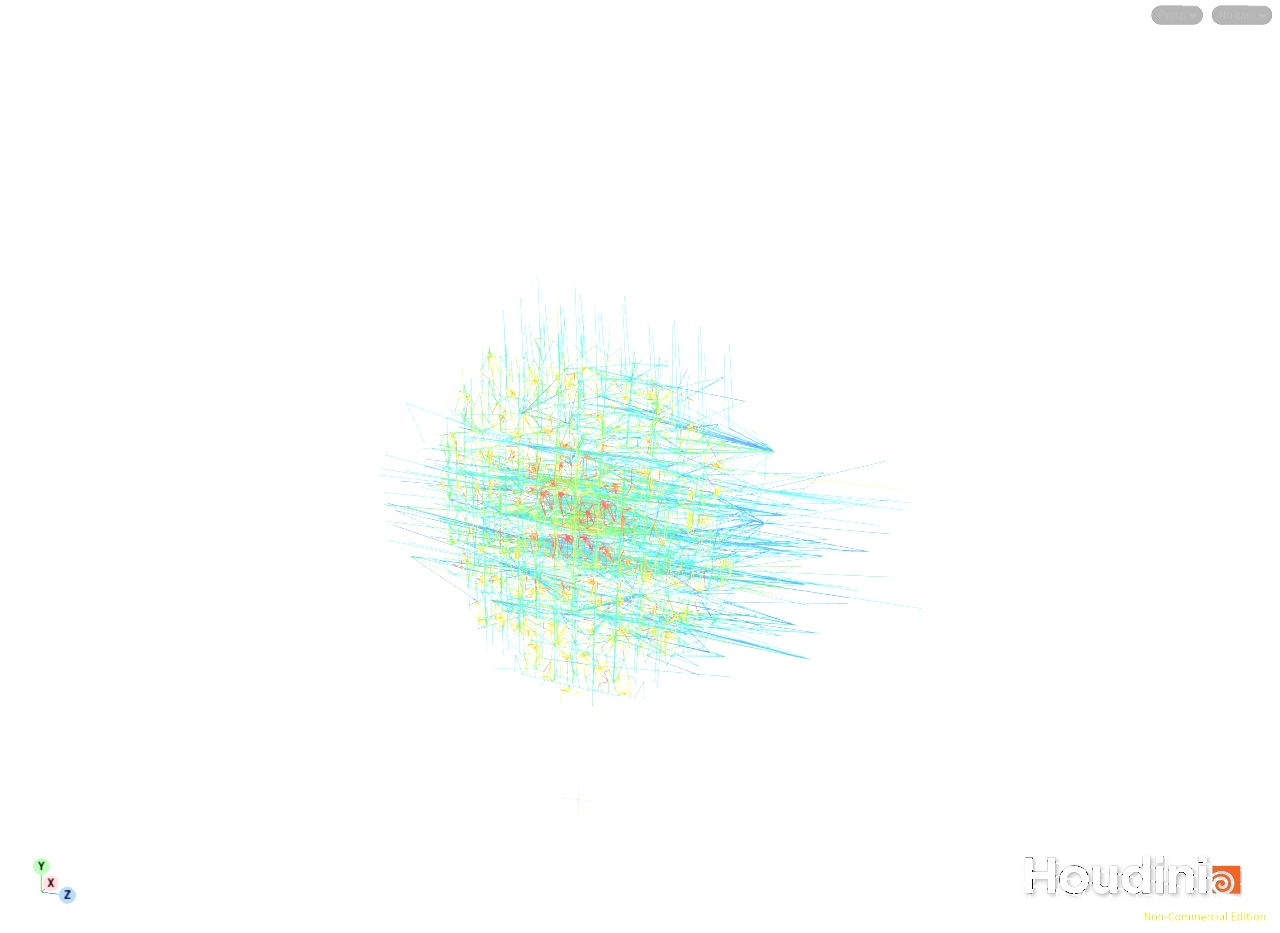
The pieces, the glue and the bent metal shapes all get packed into one 152 MB cache for the sim. Houdini’s RBD I/O node lost the bent shapes when reading it back in, so that got swapped out for RBD Pack and a File Cache.
The sim, third time’s the charm
The sim file reads the plate camera, the fracture cache and the impact points, so the asteroids aim exactly where the fracture put the detail. Only the pieces within twice the damage radius of an impact can move and the rest of the tower is static. The glue between the two becomes soft anchor springs that snap when stretched, so the damage zones hang off the building until they’re hit, and each zone stays asleep until two frames before its asteroid arrives, so the weakened glue never has to hold anything up against gravity.
The first test had the asteroids animated, and they drove straight through the building and sprayed debris back out. For the second, the asteroids became real rigid bodies with a 4 m radius, lumpy, doing 300 m/s with a density of 40,000. Each one starts on frame 1 at the spot where a ballistic arc will carry it onto its impact point at the right speed on the right frame (the upper one on frame 36 and the lower one on 48), and the building actually slows them down, so they bury themselves instead of passing through. Much more physical, but a lot tamer.


That’s where my impact charges come in. A charge sits inside the building 5 m behind each impact point along the asteroid’s path, and one frame after the hit (frames 37 and 49) it does two things: it breaks every bond within 14 m, and it kicks the pieces outward and onward with a falloff, a bit of upward lift and some variation per piece. The upper charge throws about 1,250 pieces and the lower one about 6,700, and it’s all on an Impact Charge tab on the sim controls. No building piece is allowed to go faster than 110 m/s so nothing leaves the shot, and the mullions and fins blend into their bent shape as they move 0.3 to 2 m from where they started.
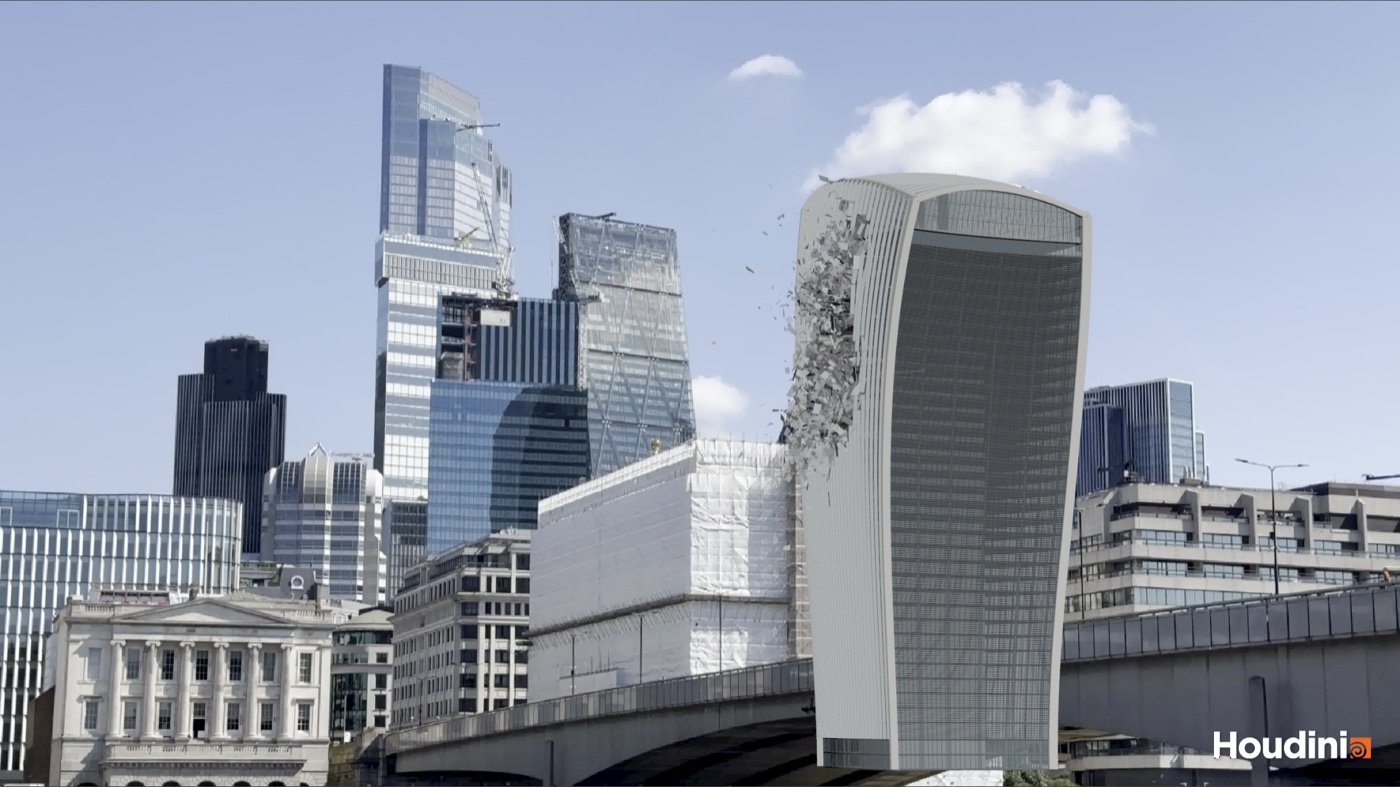
The solver is Bullet with 40 substeps, which stops the fast rocks skipping through thin slabs, and it runs at about half a second a frame before the hits and about 3 seconds a frame once everything’s flying. Each frame gets written to disk as it goes (about 1.2 MB holding every piece’s position, rotation and velocity), and playback rebuilds the full res pieces from the fracture cache and puts the bend back on, so I can scrub straight to any frame.
The blooper reel
Plenty went wrong along the way, and some of it was pretty funny:
- The whole tower launched 5 km. The glue far from the impacts was unbreakable, which fused the building into one rigid body, and the first asteroid shoved the lot. Hence the static and active split and the anchor springs that can snap.
- Everything free-fell. The solver was simulating a proxy copy of the pieces that didn’t carry the static/active flag, so nothing was holding anything up. The proxy is gone now.
- The asteroids just sat there in mid-air. Merging them with the building gave them the building’s speed limit attribute, which defaulted to 0 m/s. Hard to do much damage at 0 m/s!
- An asteroid stopped dead on contact. The chunks pass had left 600 odd concrete strips up to 57 m long, so the rock was hitting an entire floor at once. The target size cutters, cuts across long strips and a merge radius on the cleanup sorted that, taking the building from 53,574 to 65,417 pieces with a median size of 3.8 m.
- A VEX trap. Writing
(point(0, "P", a) + point(0, "P", b))inline is ambiguous, because point() can return several types, and VEX quietly picked the wrong one. That made every distance check wrong, which locked all 245,000 bonds in one place and put the impact cutters in the wrong spot in another. Reading the values into typed variables first fixed it. - The flipbook showed the building already broken at frame 20. The solver keeps recent frames in memory, and once that filled up it handed back a later frame when asked for an early one. That’s why the sim gets written to disk as it runs now.
How it’s built
Same as the building, Claude Code did the hands-on work, talking to Houdini 22 Apprentice through the Houdini MCP bridge, with me directing: the brief, how I used to do it, and what looked wrong. Each stage lives in its own file and hands the next one a cache, so nothing is shared live. The building file exported the model once (218,556 polygons in 31,299 named pieces, plus the 198,104 glue constraints from last time), the fracture file reads that and never touches the model, and the sim file reads the fracture cache and writes its own. Apprentice means .hipnc files and no headless Houdini, so everything ran in the live session. Claude also wrote up a log of the day and a reference for every control in the three files, which will be handy when I come back to this.
What’s next
Next up are the secondary layers: debris, dust, fire and smoke, all driven off the sim cache. Every piece carries its velocity, and the impact points and charge frames are fixed, so they make good triggers. Then tuning the look (charge strength, radius and timing, and the asteroid speed, all on the sim controls), and last of all packaging plane_fracture and the material branches up into an HDA so I can fracture any asset for any sim. Bring on the smoke!


No Comments