JStreamer
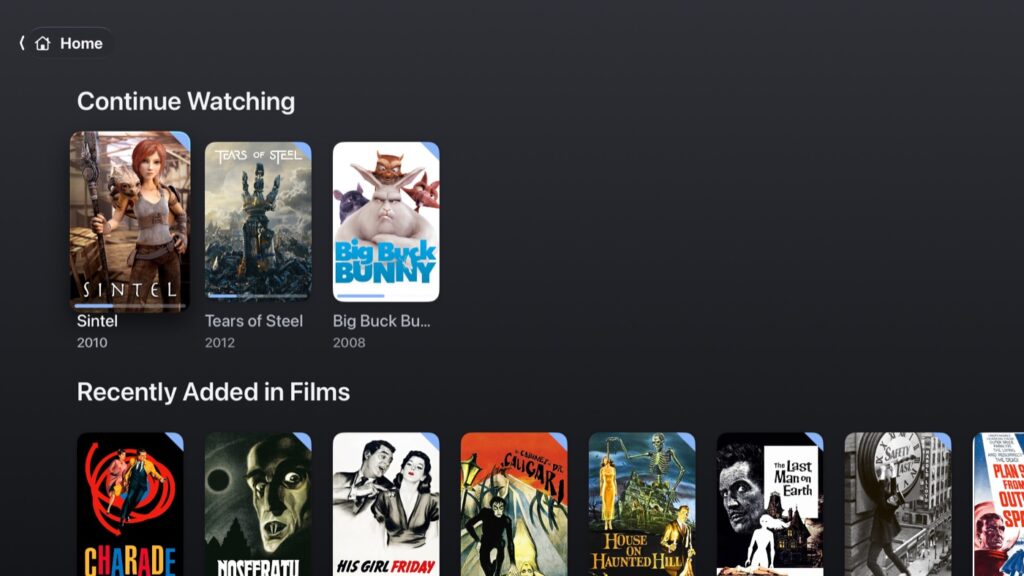
I’ve used Plex for years and I like the way it browses, but the playing side has gone downhill. The latest Plex player chokes on H.265 files and its HDR tone mapping doesn’t look the greatest, and anything the Apple TV can’t decode itself gets transcoded on the server, which is where MKVs with DTS or TrueHD audio and picture subtitles fall over. Infuse plays all of that fine but I wanted Plex’s layout. So I built my own Apple TV app: Plex’s browsing on the front, a player that plays everything direct on the back, and it reads straight off my NAS shares too. It’s called JStreamer and I built it with Claude Code over the last couple of weeks. Here’s what it does.
Browsing
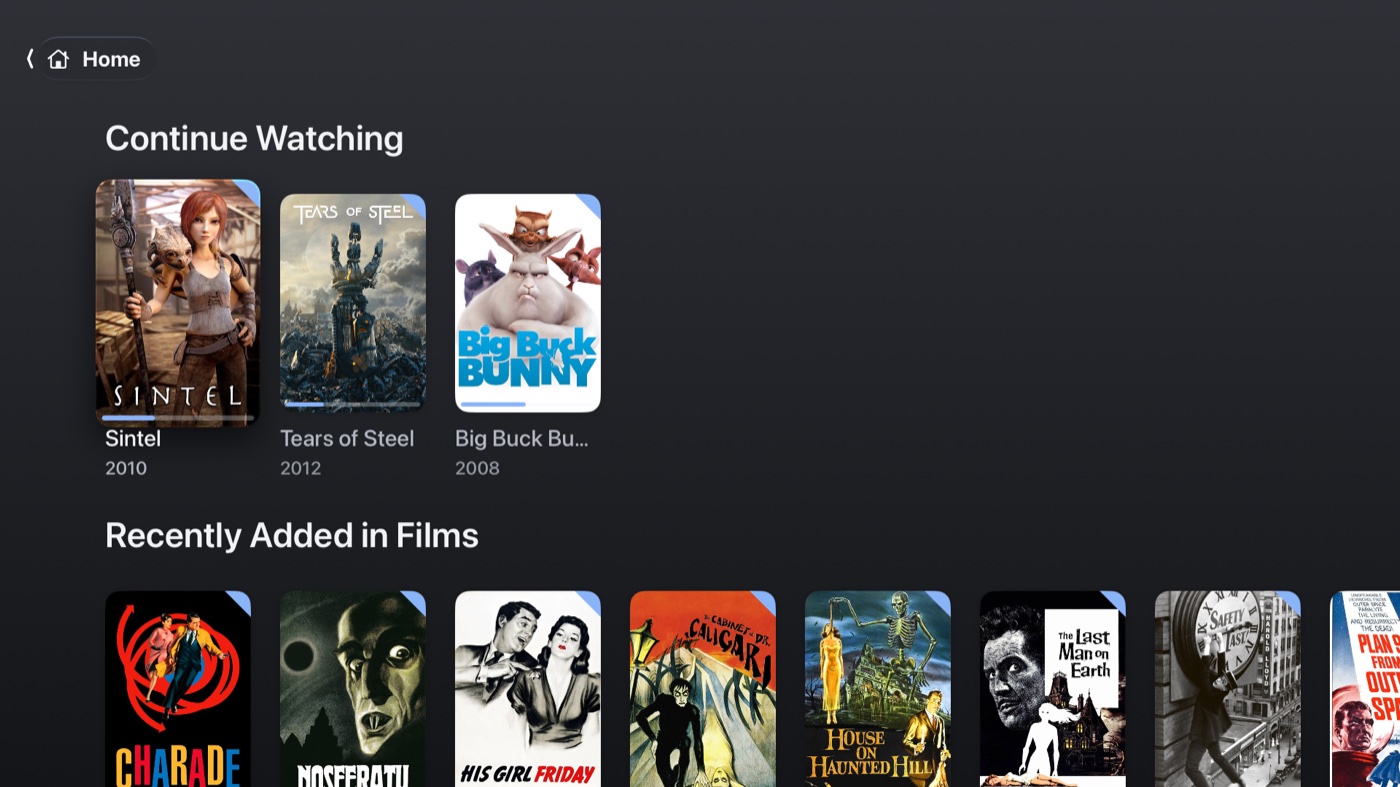
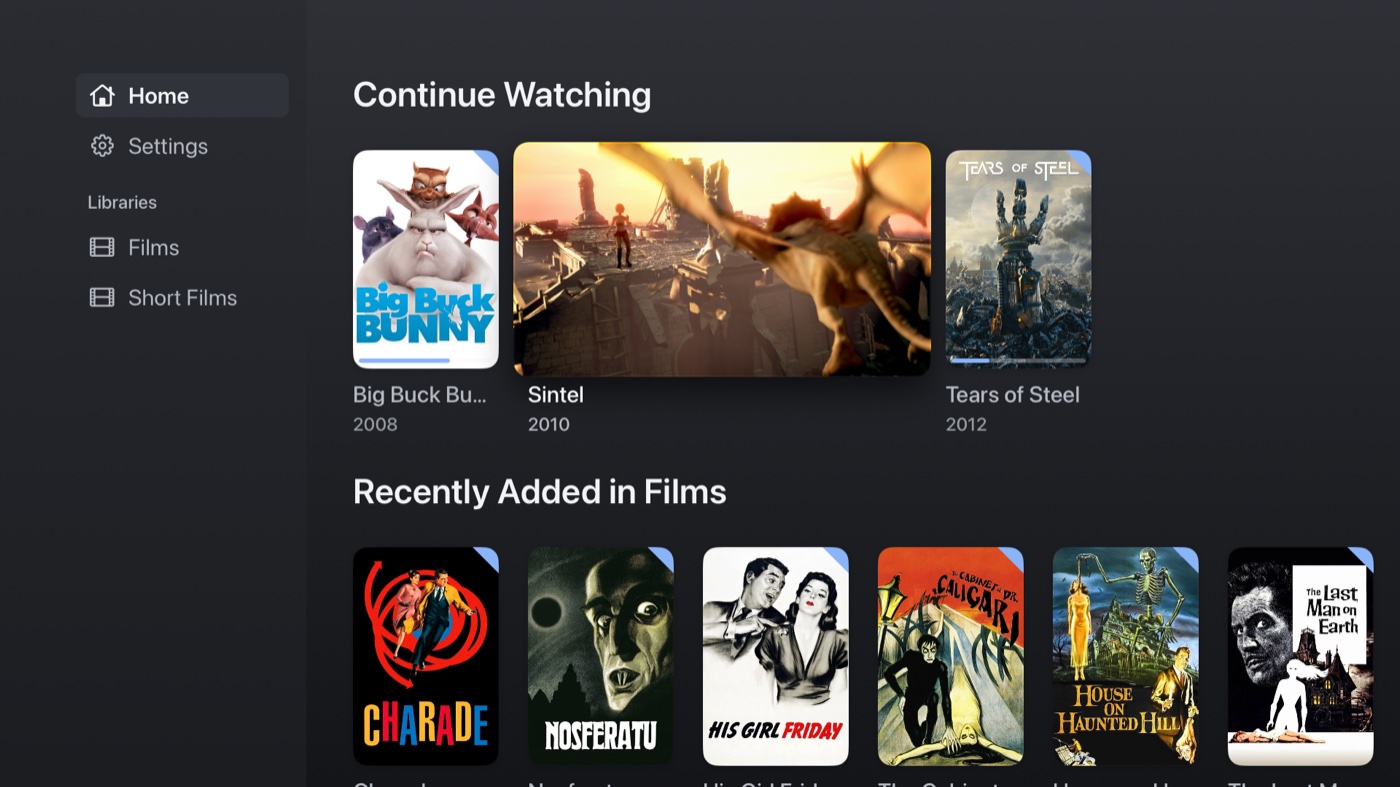
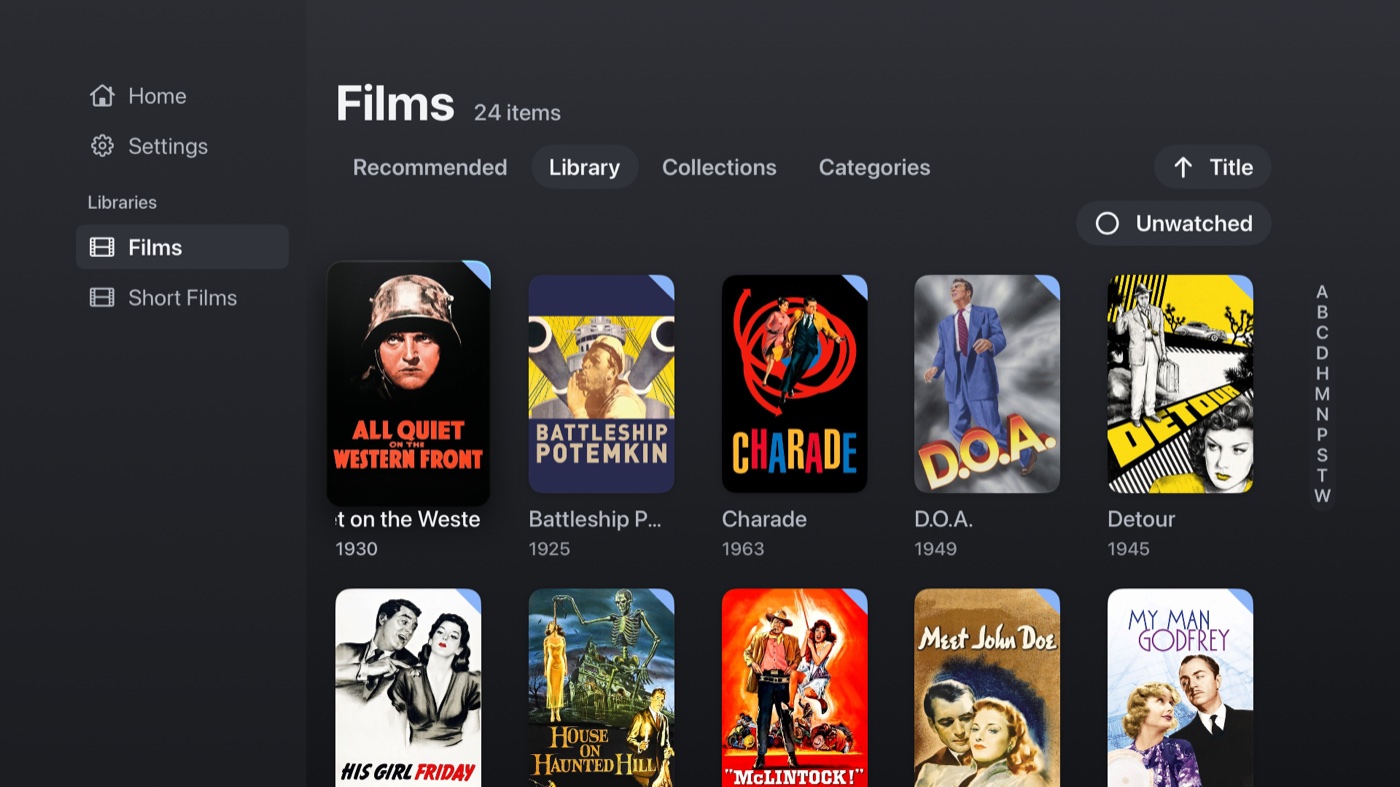
A sidebar of libraries down the left. Home has Continue Watching, On Deck and a Recently Added row for each library, in the order you put the libraries in. Each library has poster grids with sort and an Unwatched filter, collections, genres and a detail page with ratings, cast and what format the file is. If you’ve used Plex it’ll feel familiar, which was the point. The sidebar slides away like Apple’s own, or you can pin it open.
Poster previews
This is the bit I’m most pleased with. Rest on a poster for a few seconds and the card opens out and plays a 30 second clip from the film, with sound, the way Tubi does it. A film plays itself, a show plays the episode you’d watch next, and something half watched picks up where you left off. The cards around it slide out of the way and slide back after. You can change the delay or turn it off.
Finding things
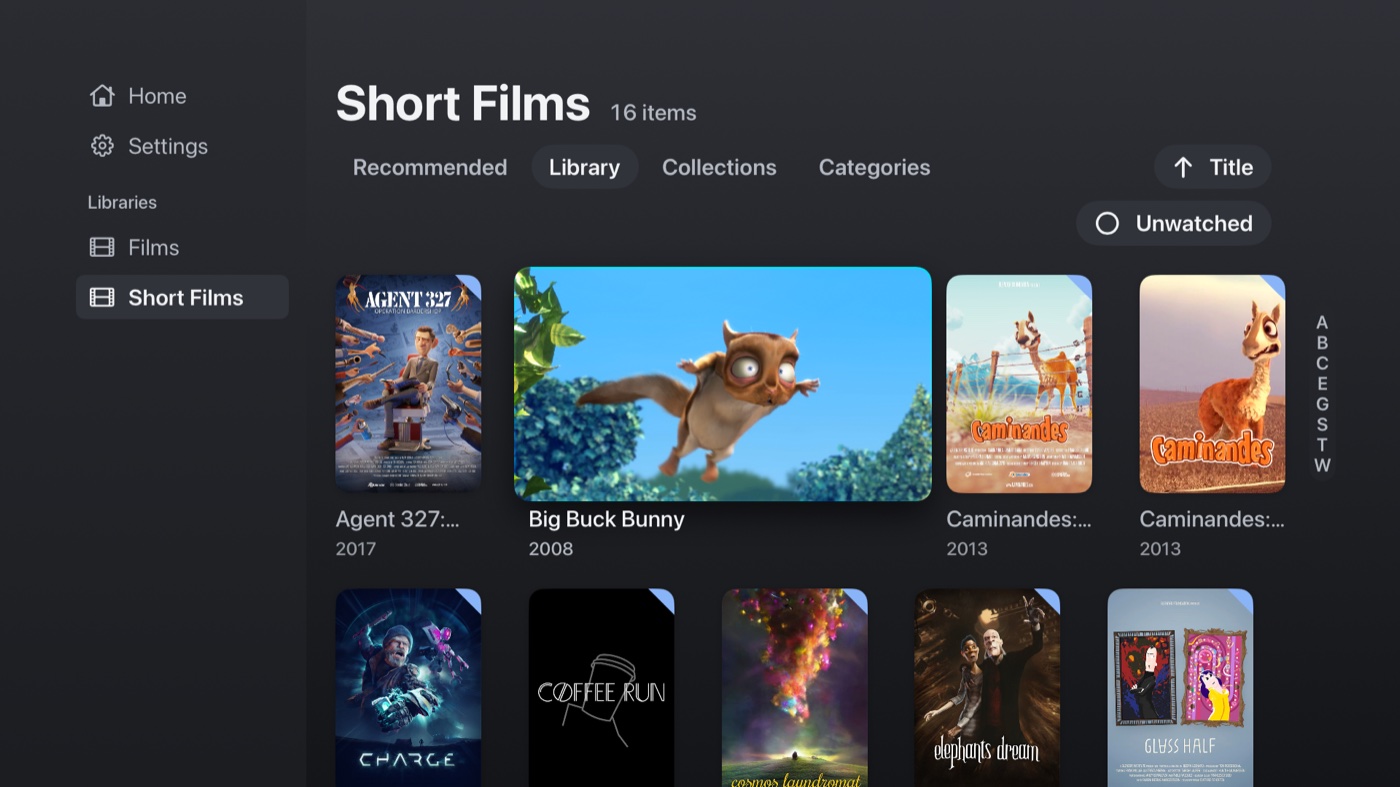
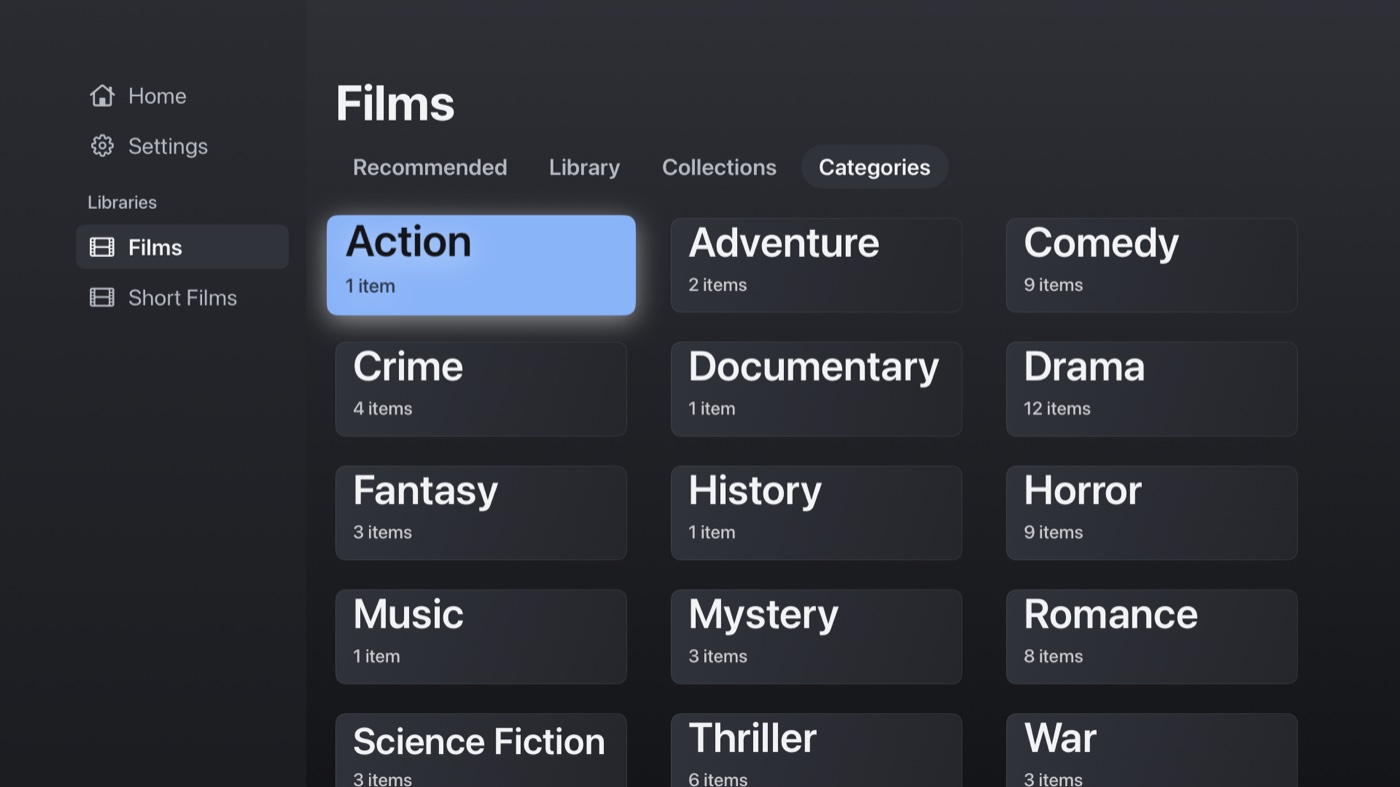
There’s an A to Z strip down the right of every grid, like Plex has, so a long library isn’t a hundred clicks to get to the Ts. Genres are tiles, collections use the server’s mosaic, and if you’d rather browse the folders on the disk you can do that too. Posters or a list, per library.
The detail page
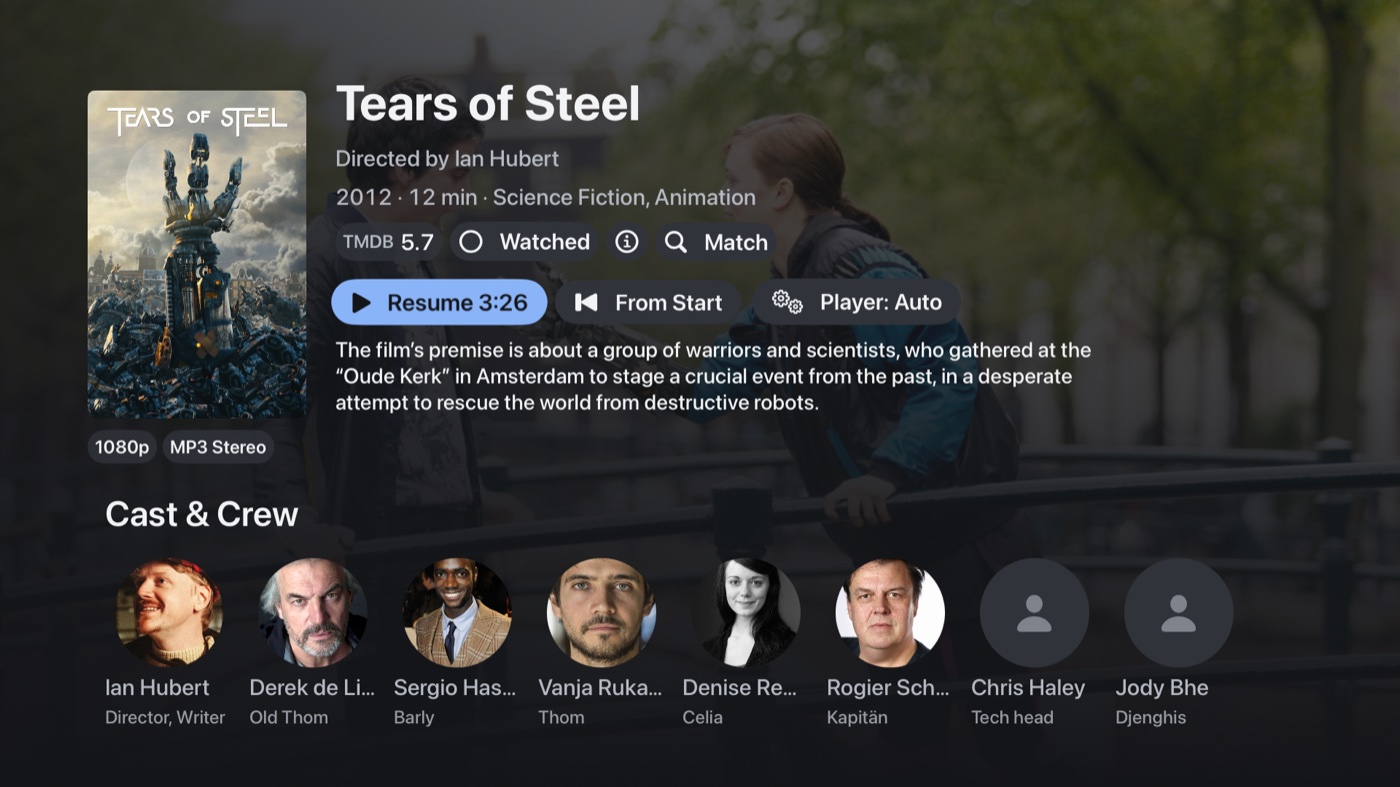
Ratings, Resume or Play, a Watched toggle, cast and crew, chips for the resolution, HDR and audio, and a Player button where you can override which engine plays the file.
Playing
This is why I built it. There are two players under one set of controls. Apple’s own player takes the files it’s good at (MP4, H.264 and HEVC, AAC and Dolby Digital) because it’s the only way to get Dolby Vision and Atmos out of an Apple TV. Everything else goes to mpv, which is FFmpeg underneath: MKV, DTS, TrueHD, PGS and VobSub subtitles, ASS, AV1, the lot. Nothing is transcoded by the server. It picks per file and you can override it per film or for everything. The TV switches frame rate and HDR mode to match the file. Audio, subtitle and chapter menus, skip buttons, a scrubber with the chapters marked on it, and an info panel that tells you exactly what’s playing and through what.
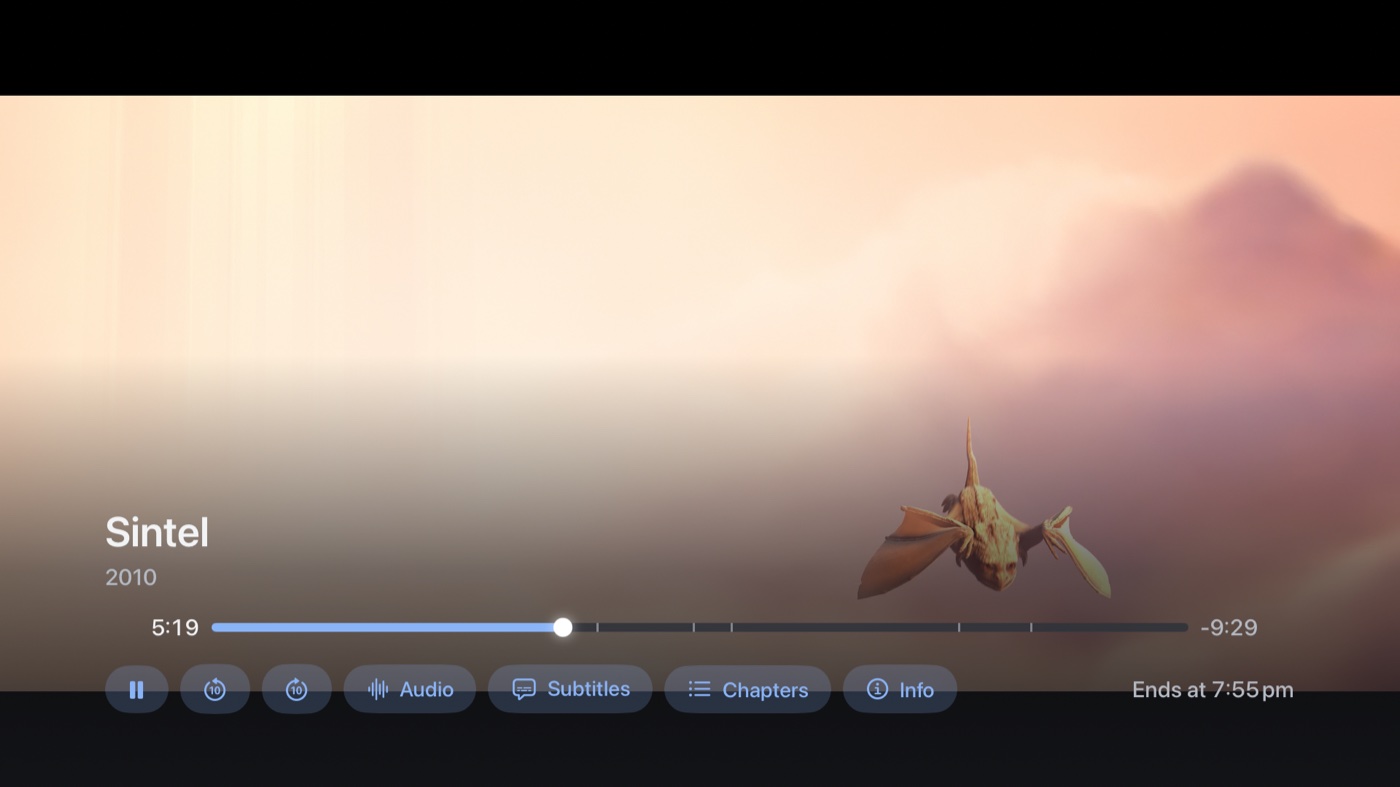
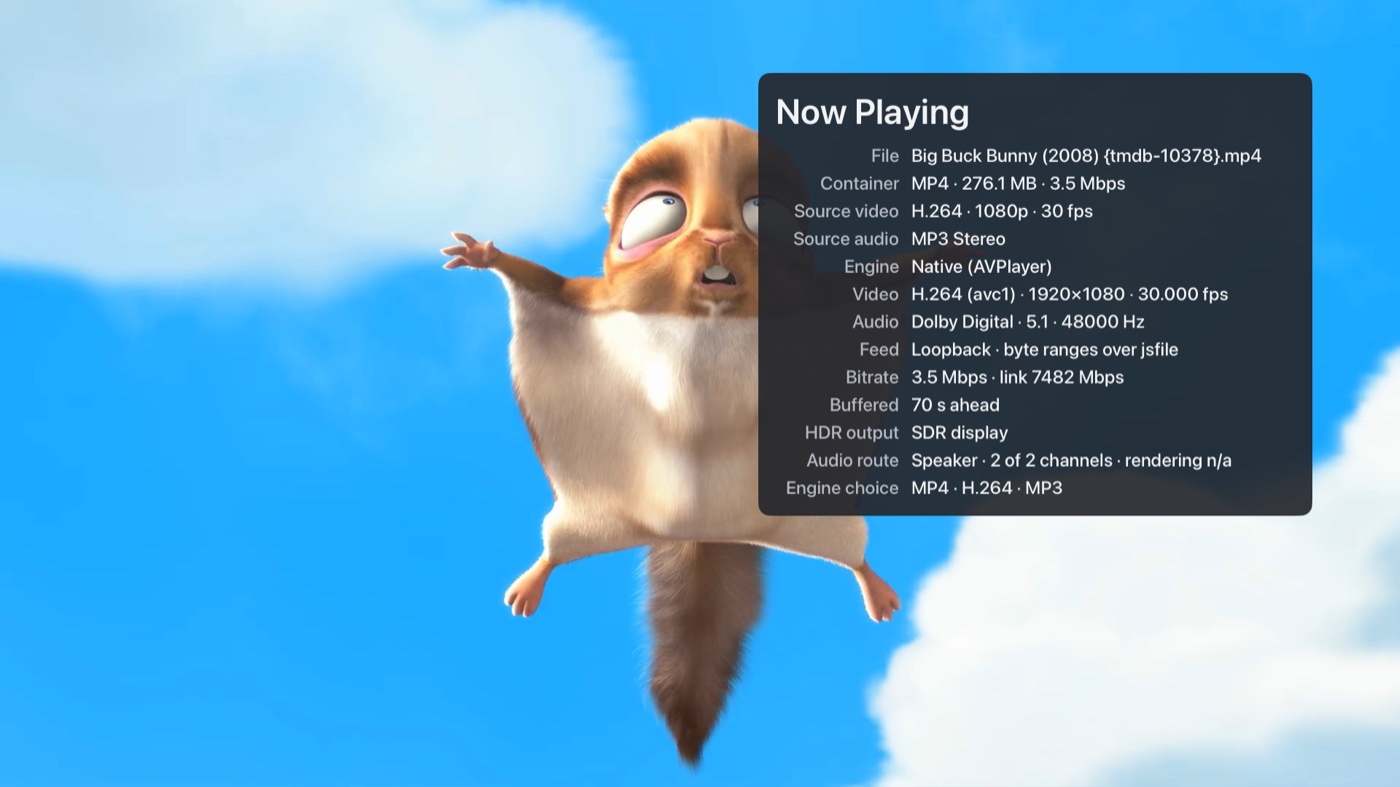
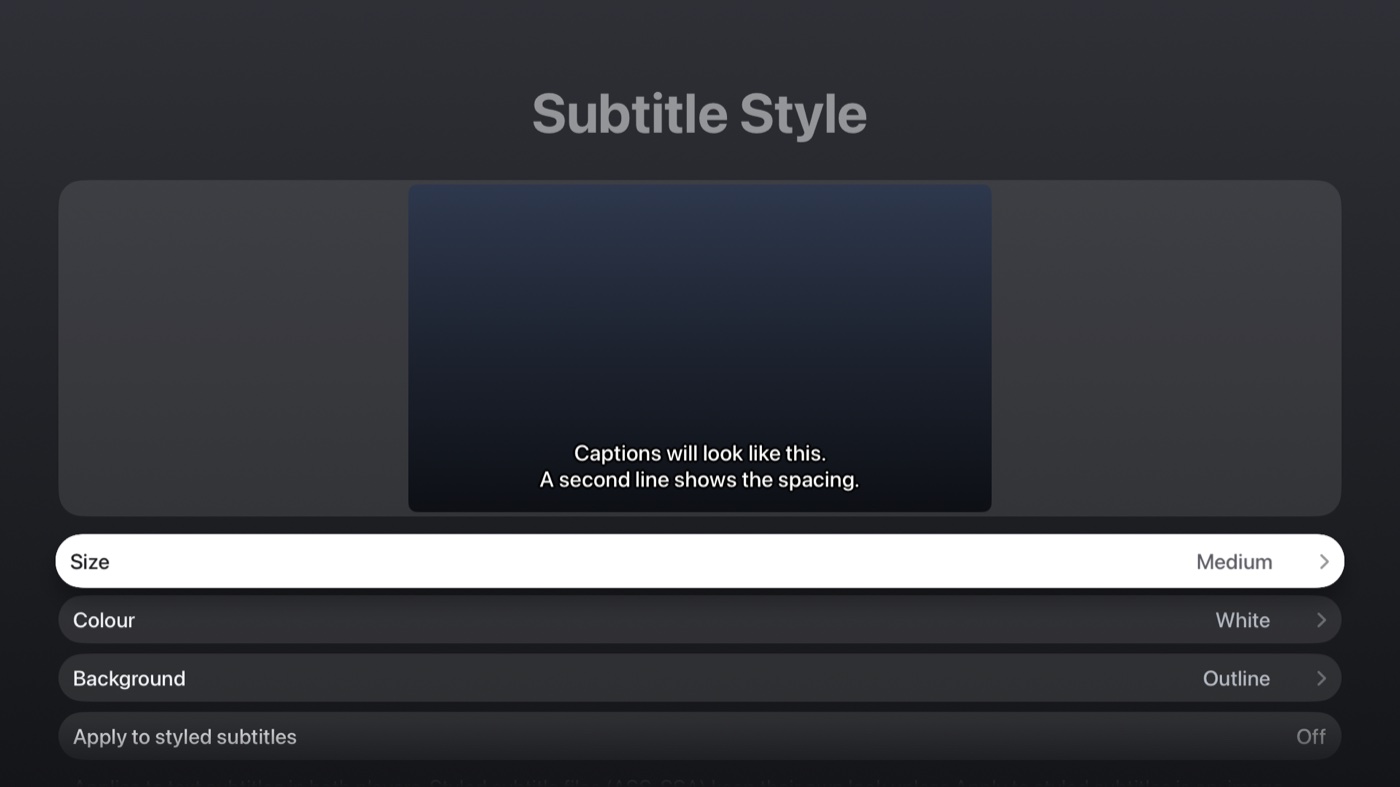
Skip Intro and Skip Credits use Plex’s markers. Subtitle size, colour and background are yours to set, and it applies to both players so they look the same.

Plex
Sign in with the code at plex.tv/link, it finds your servers and picks the fastest connection, and your libraries show up in the sidebar. Progress and watched state go back to the server, so Continue Watching matches the official apps and the phone. One thing to know: since September Plex wants a Plex Pass or a Remote Watch Pass for remote playback in third-party apps. On your own network it doesn’t matter.
Straight off a share
You can also add an SMB share in Settings (it finds the ones on your network), point it at a Movies folder and a TV folder, and it plays the files straight off the share with no server at all. The file names are parsed and matched on TMDB, so you get posters, backdrops, cast, ratings, genres and collections, with a Fix Match button for when it gets one wrong. Subtitle files sitting next to the video are picked up. Watched state is kept on the Apple TV.
Odds and ends
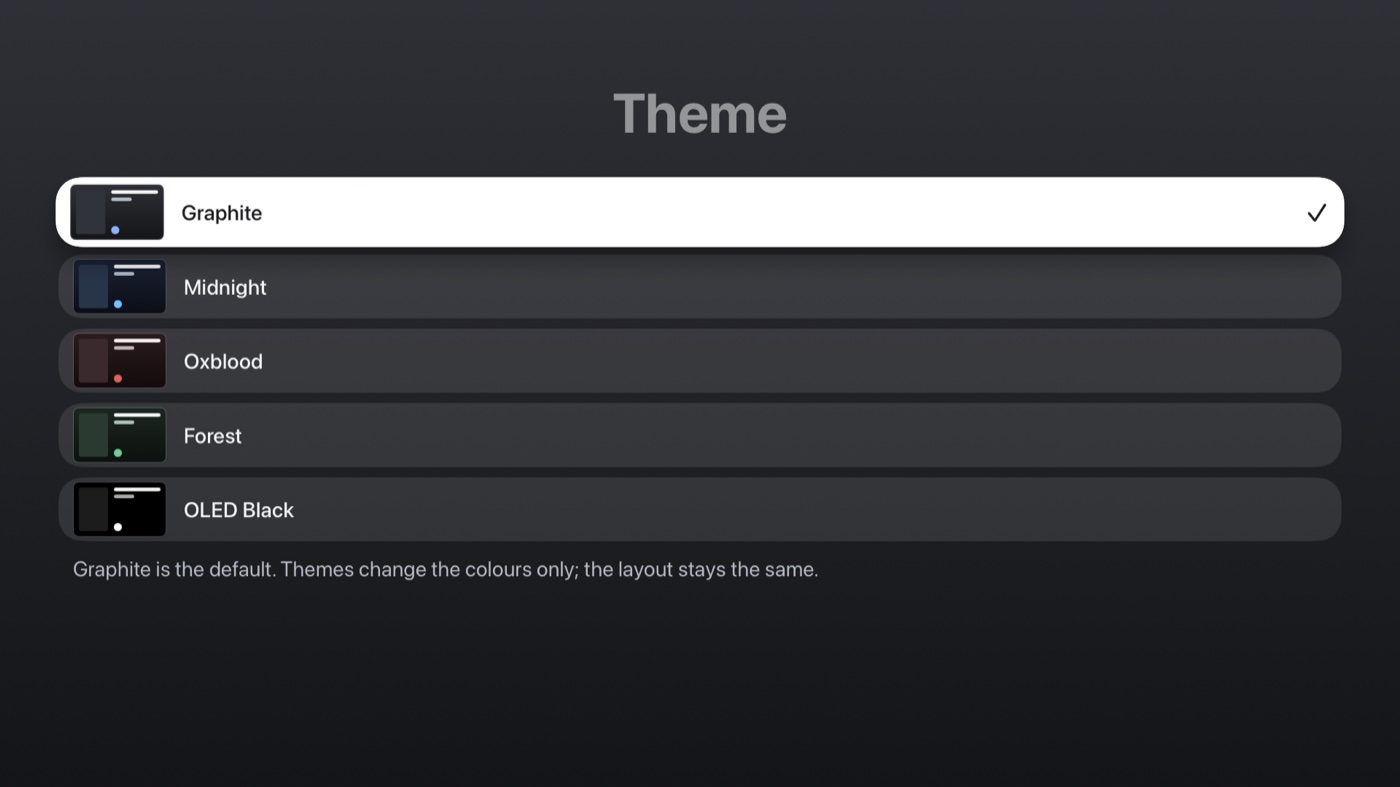
- Five colour themes.
- The Top Shelf on the Apple TV home screen shows Continue Watching and what’s new.
- A speakers setting, because my soundbar through the TV’s eARC takes 7.1 but plays nothing from the rears. 5.1 fixes it.
- No accounts and no analytics. It talks to your Plex server, plex.tv to sign in, your shares and TMDB, and nothing else.
- It’s free.
What’s next
Jellyfin as a third source, with the same screens and the same player. Then the App Store paperwork, which is the bit I keep putting off, so it’s not in the store yet.
How it’s built
Swift and SwiftUI, tvOS 18 and up, split into packages (core, Plex, SMB, metadata, playback, storage, UI) so an iOS version could come later. MPVKit for mpv and FFmpeg, AMSMB2 for the shares, GRDB for the local cache, all LGPL or MIT, linked as dynamic frameworks with a licences page in the app. I built it with Claude Code and tested it on a real Apple TV in the living room most evenings. The simulator can’t do HDR, Atmos or a Siri Remote properly, so a good share of the fixes started with “that doesn’t work on the TV”. It wrote the screenshot script too: everything in this post comes from a throwaway simulator with a library of public-domain films and the Blender open movies, because my own collection isn’t going on the internet.
Screenshots show the Blender Foundation’s open movies (CC BY, blender.org) and public-domain films, with artwork from TMDB. This product uses the TMDB API but is not endorsed or certified by TMDB.

No Comments